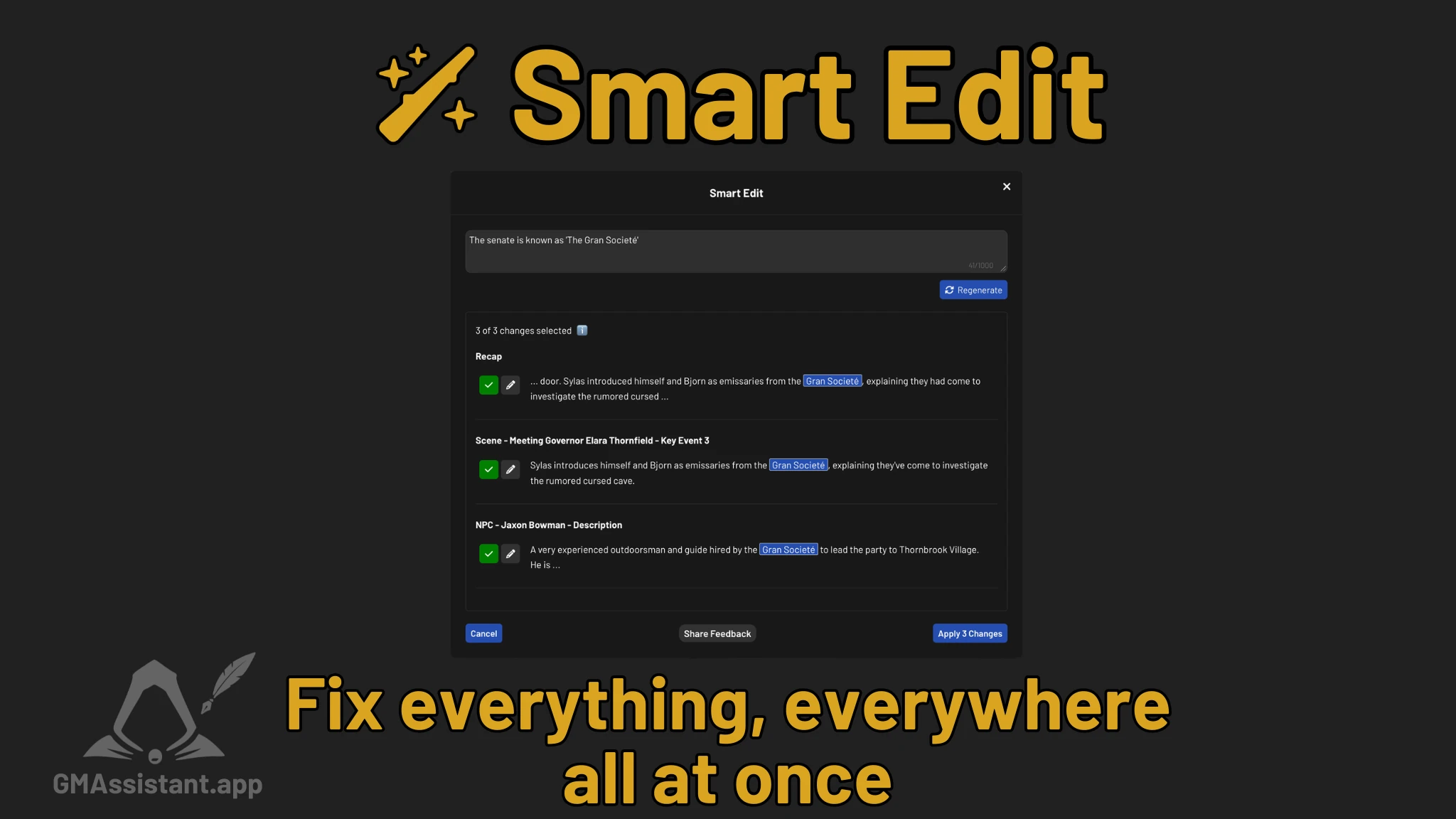
The Problem
One of the biggest frustrations we've heard from users is when GM Assistant gets some minor detail wrong, but it's pervasive across many fields. Say the analysis uses the wrong pronoun for Tiamat, but Tiamat is mentioned in the recap, the NPC list, the outline, and a couple of memorable moments. Fixing it means editing four or five different sections one by one. It's tedious, and it's exactly the kind of busywork GM Assistant is supposed to save you from.
Or maybe the analysis attributed an action to the wrong character. Or it missed an NPC entirely. Or you just want your recap to sound like a news anchor describing the bewildering actions of your party. All of these are small corrections, but tracking them down across every field is a pain.
Smart Edit
Smart Edit lets you describe what you want changed and applies it across your entire session at once. Instead of pecking through each section, you just tell it what's wrong (or what's missing) and it figures out where the changes need to go.
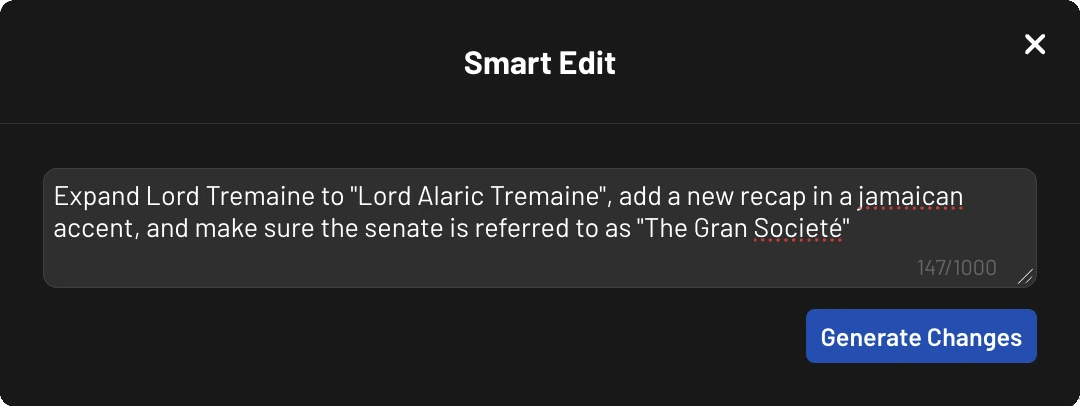
A few examples of things you can do:
- Fix a name or pronoun everywhere at once -"Change Tiamat's pronouns from he/him to she/her"
- Correct a misattribution -"It was Brother Cal who was busy headbutting the treasure chest, not Gronk"
- Add something the analysis missed -"Add an NPC named Drenna, the halfling innkeeper at the Rusty Nail"
- Generate a new stylized recap -"Add a pirate-style recap"
- Remove something irrelevant -"Remove Jackie from NPCs, she's my real life cat"
Review Before Applying
Feel free to experiment and see what it can do. Smart Edit never changes your notes without your say-so. After you submit an instruction, you get a preview of every proposed change -what field it affects, what the original text was, and what the new text would be. You can toggle off any individual change or edit the suggested text before applying.
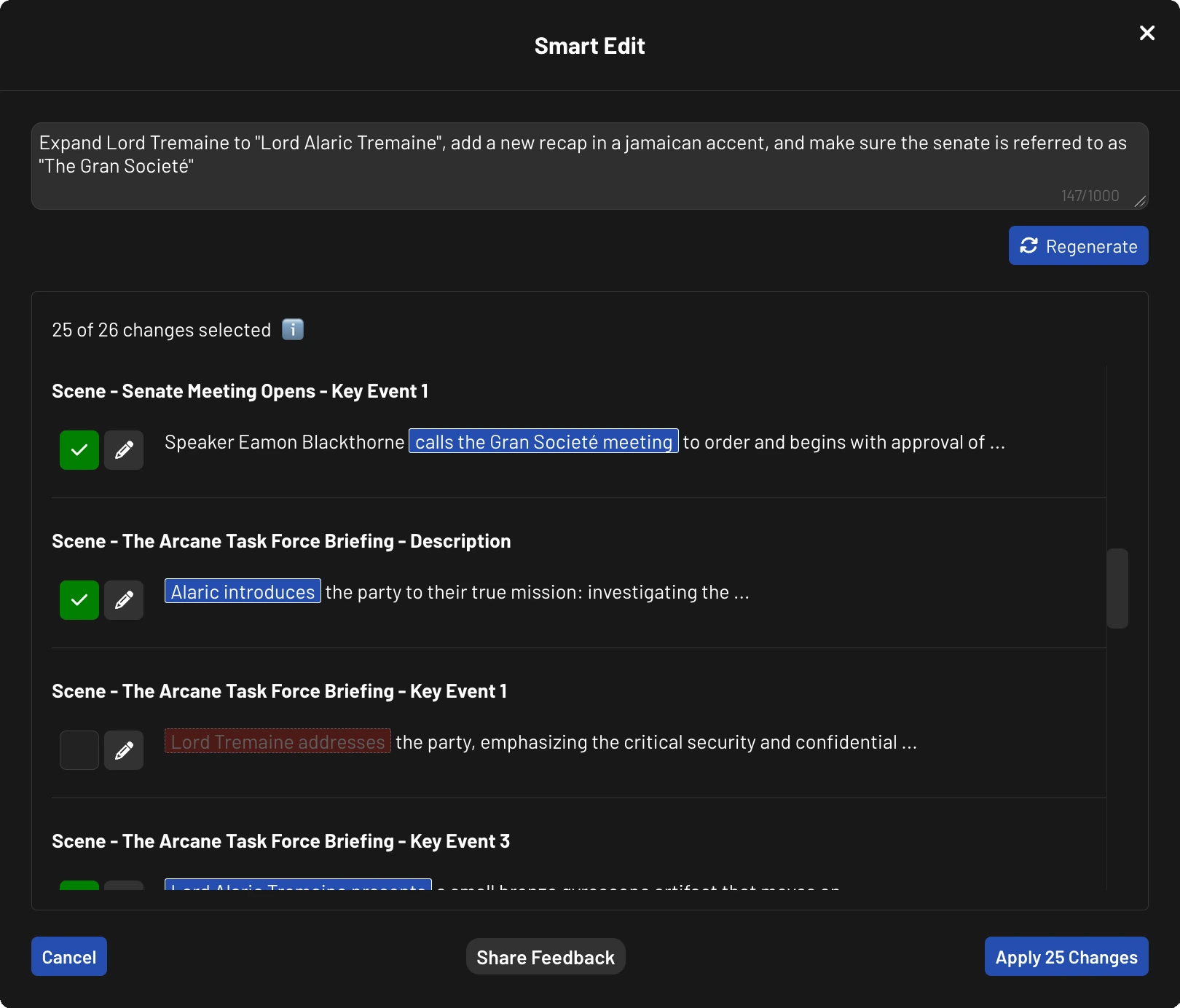
If you don't like the results, just cancel -nothing gets saved until you click Apply.
Usage
Every session comes with free Smart Edits:
- Free accounts: 5 per session
- Subscribers: 10 per session
After that, additional edits cost 5 credits each. Each time you click "Generate Changes" counts as one edit, regardless of how many field changes it suggests.
Get Started
Smart Edit is available now for all users. To try it out, open any session with a completed analysis, enter Edit Mode, and click the Smart Edit button.
For a full walkthrough, including tips on writing effective instructions and details on what you can edit, check out the Smart Edit guide.
We will be paying close attention to feedback and will be making improvements based on it. Drop us feedback in the app or email feedback@gmassistant.app.
-Alex
Founder, GM Assistant